Zapier Action: Send Text Message to Many Contacts
Use Zapier to send an automated text to a specific text list or all of your contacts.
Use Zapier to send an automated text message to a specific text list or all of your contacts. It's useful for notifying your list about something that recurs, like a new podcast episode.
Video tutorial
This video walks through adding the Send Text Message to Many Contacts action to a Zap.
Set up the Send Text Message to Many Contacts action
-
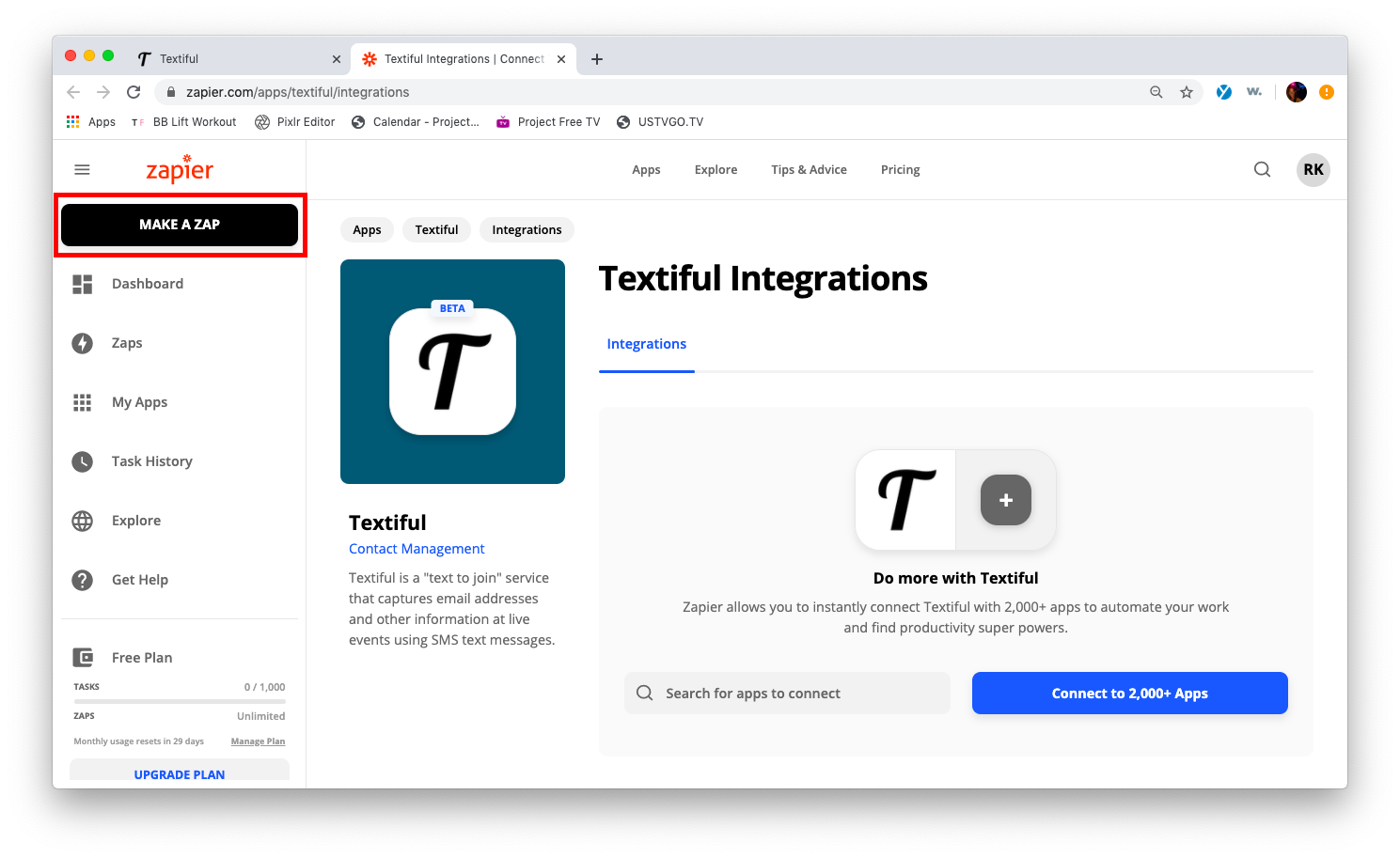
Click Make a Zap in the top-left corner of the page.
-
Add a new action to your Zap.
-
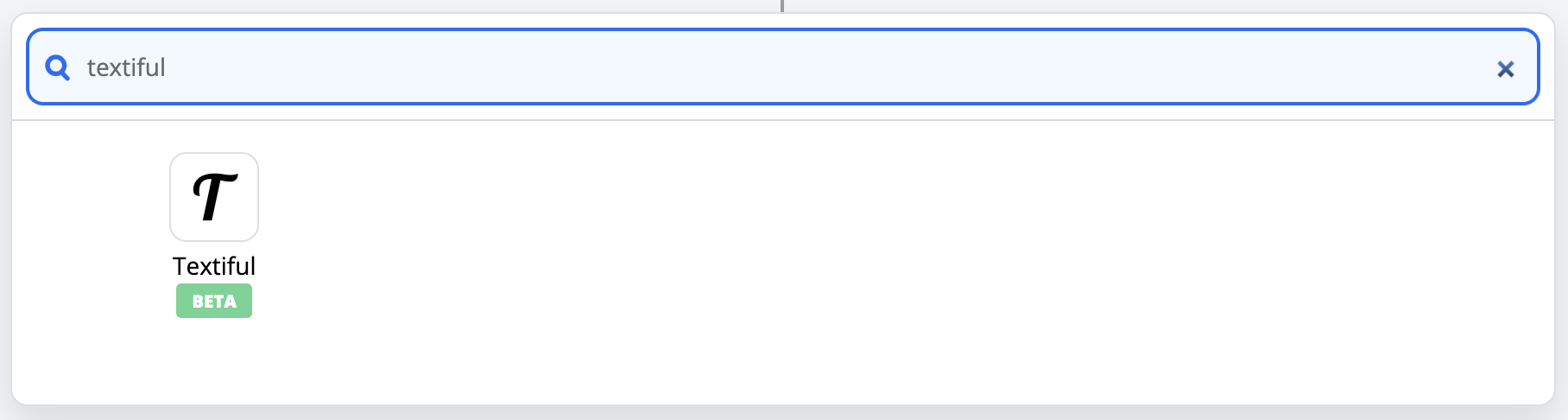
Search for or select Textiful under Choose App & Event and click Continue.
-
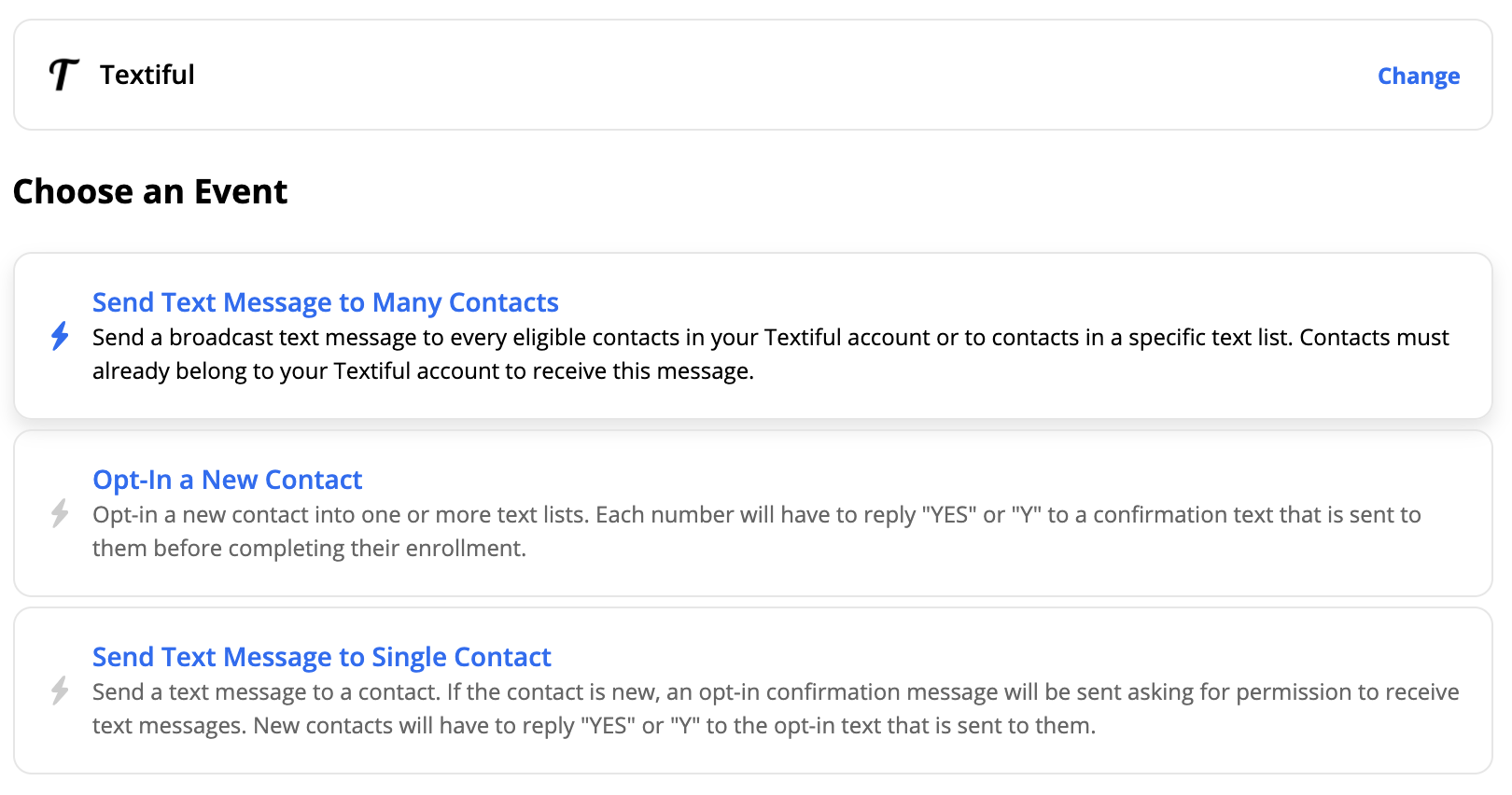
Select the Send Text Message to Many Contacts option.
-
Select your Textiful account and click Continue. If you aren't logged in to Textiful yet, you may be asked to log in, and a pop-up may ask you to authorize Zapier to connect to Textiful.
-
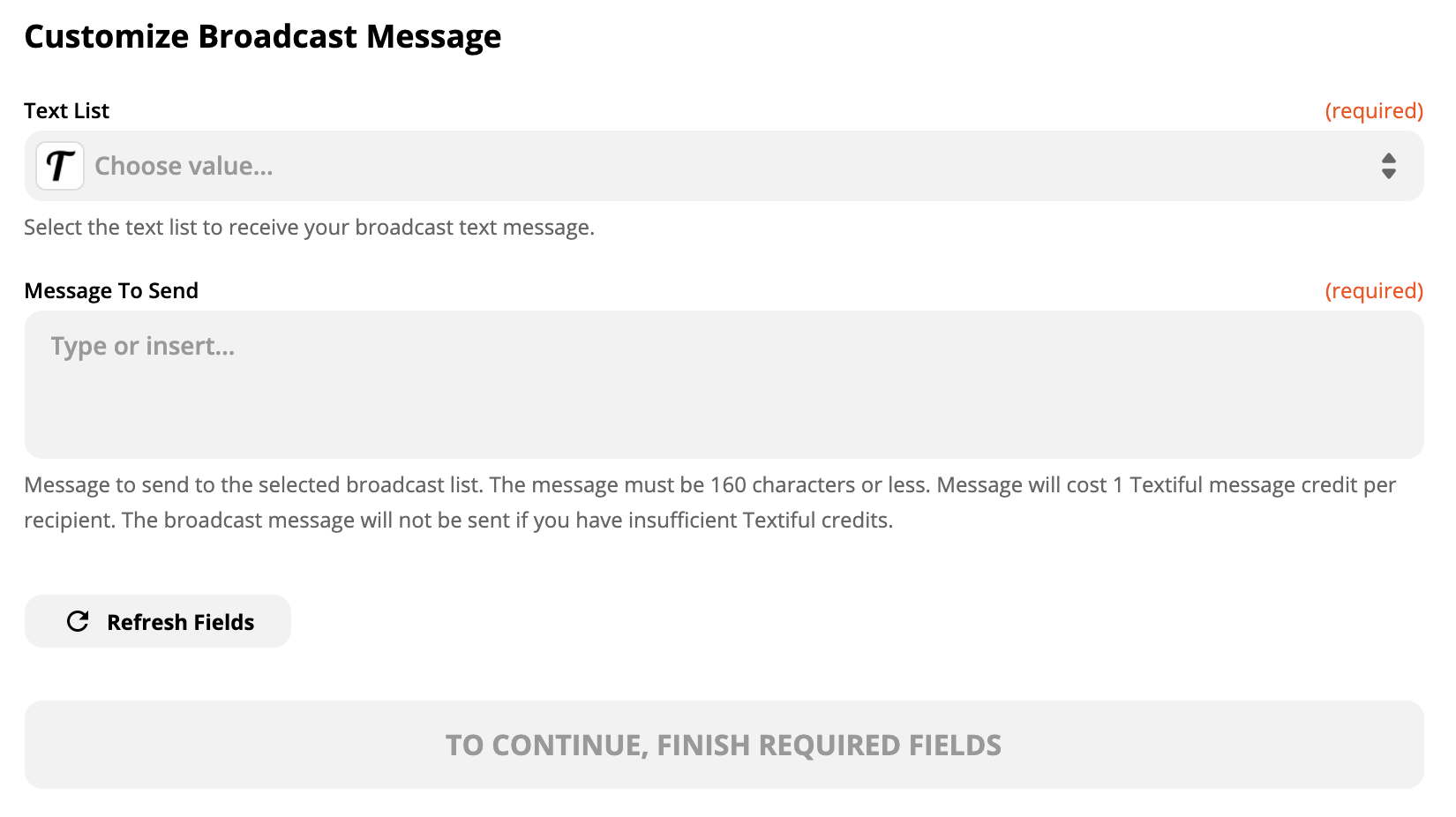
Select the Textiful list that will receive the message and customize your message.