This article is for Classic Textiful accounts. On a current account, see the help center.
Segmenting your texting list
When creating a broadcast message, use Send to a Segment and conditions to send it to only part of a text list.
When creating a broadcast message, you can send it to a segment of your text list.
Send to a segment
-
Select the texting list that will receive the broadcast message. By default, your message goes to the entire list you select.
-
Click Send to a Segment to send the message to part of the selected list.
-
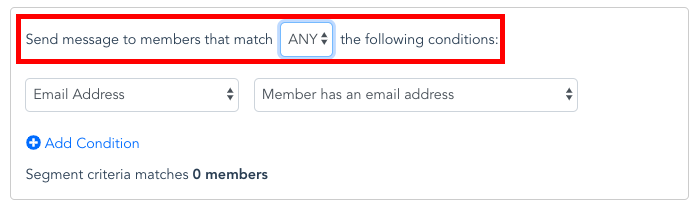
Choose whether to send to members that match ALL of the conditions or ANY of them.
-
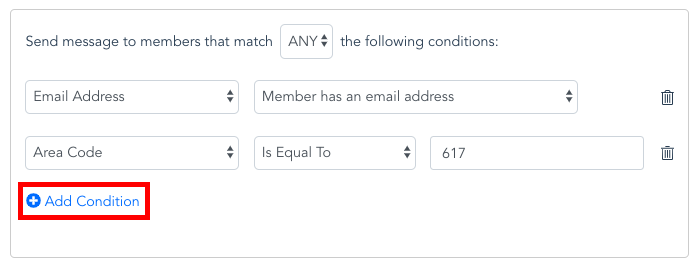
Click Add Condition to apply filters. You can add multiple filters to narrow your list further.