This article is for Classic Textiful accounts. On a current account, see the help center.
Your Text Message Broadcast History page
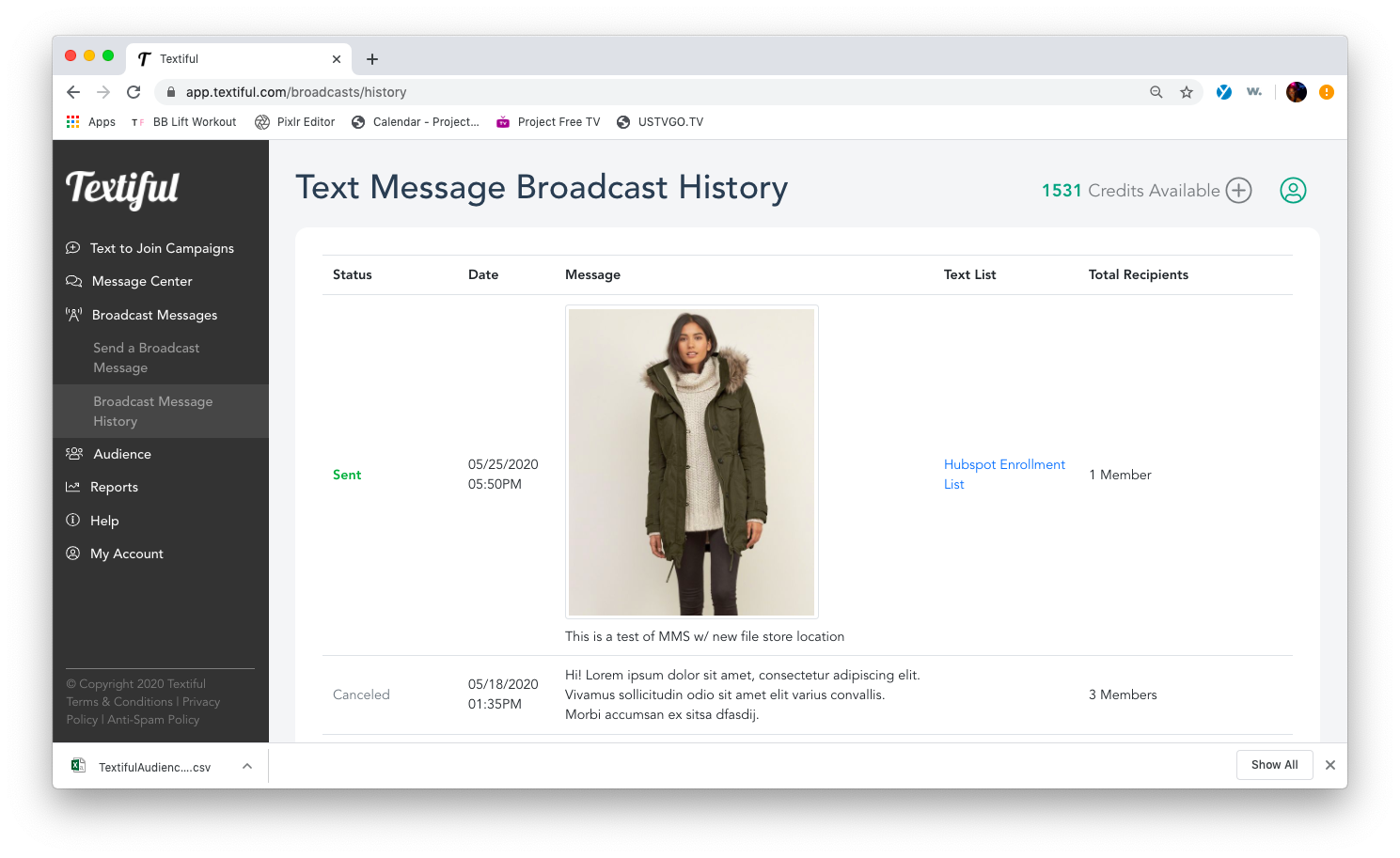
The Text Message Broadcast History page lists every broadcast you've sent or cancelled, with links to list details.
On your Text Message Broadcast History page, you can find all of your broadcast messages, including the ones you've sent and the ones you've cancelled.
What you can do from here
Click a specific text list to see more details, such as the list's compliance message and its active and non-active members, or to export the list.
- Click Edit Compliance Message to update your compliance message.
- Click Export List Members to export the entire list.
- Click View Contact Details to see a member's messages or profile.