This article is for Classic Textiful accounts. On a current account, see the help center.
Inbox settings
Choose whether you get an email notification, a text notification, or both when a new inbox text message arrives.
Decide whether you want to receive an email notification, a text notification, or both for new inbox text messages.
Change your inbox settings
-
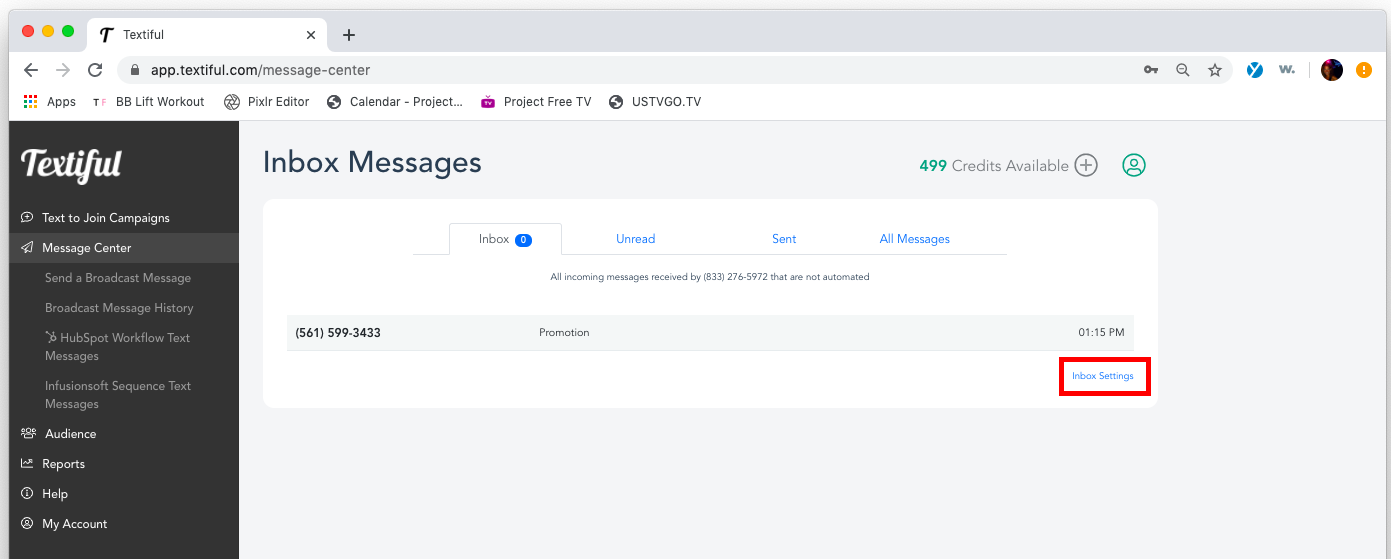
Click Message Center in the left menu.
-
Click Inbox Settings.
-
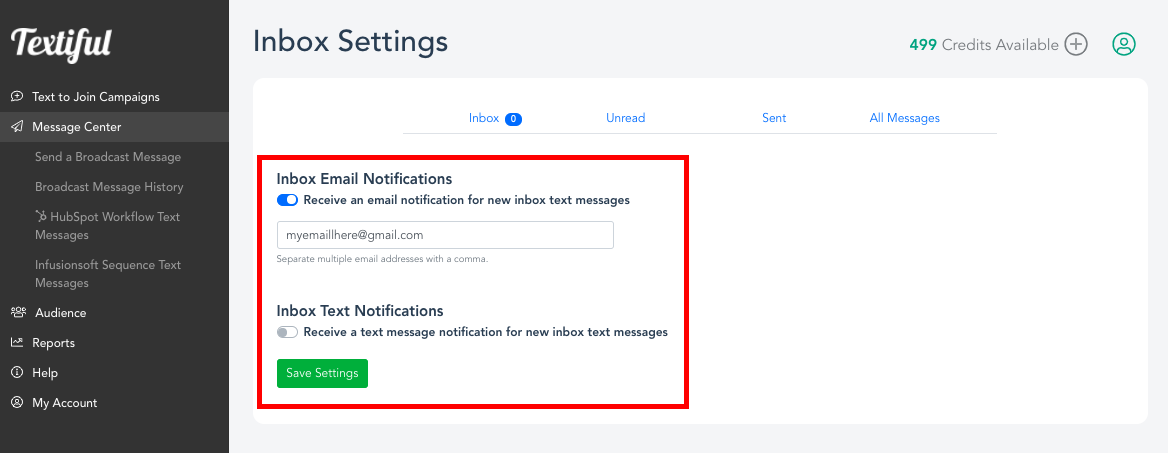
Update the notification options:
- Inbox Email Notifications: click the Receive an email notification for new inbox text messages toggle to enable or disable this feature.
- Inbox Text Notifications: click the Receive a text notification for new inbox text messages toggle to enable or disable this feature.
-
Click Save Settings.