This article is for Classic Textiful accounts. On a current account, see the help center.
Adding an image to a broadcast message
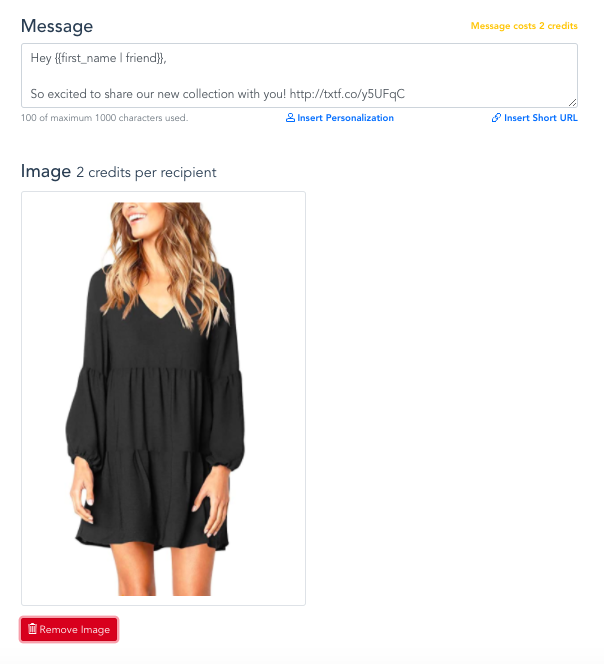
Use the Add Image button when writing a broadcast message to send it as an image (MMS) message.
You can add an image to your broadcast message. Image messages (MMS) use 2 credits per recipient.
Add an image
-
Click Broadcast Message in the left menu.
-
Click the Send a Broadcast Message tab below Broadcast Message.
-
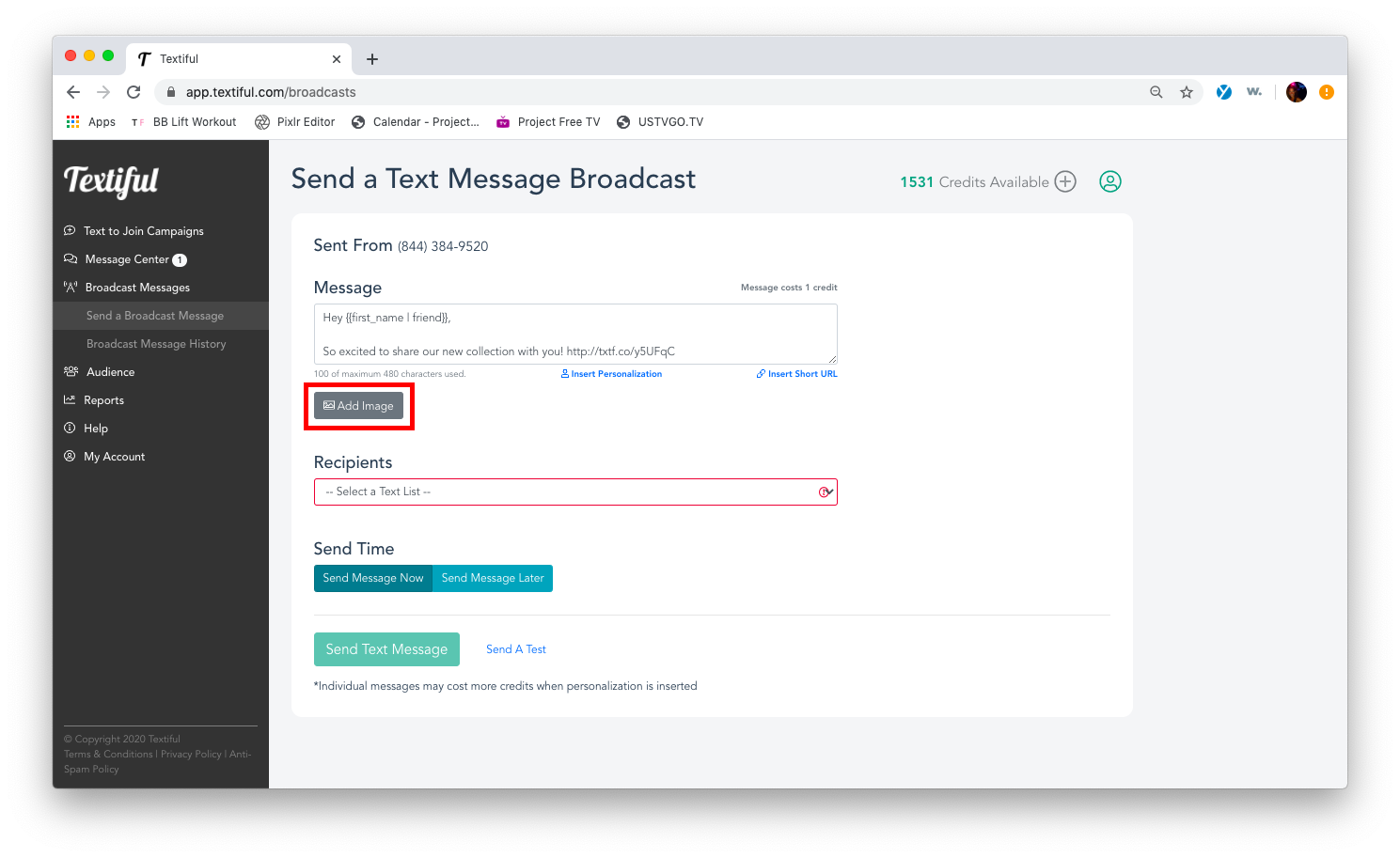
Enter your message and click the Add Image button.
-
Select the image you want to upload.