Importing contacts
Upload a file of opted-in contacts from the Audience page, map each column, and optionally add them to text lists.
You can import a large number of contacts into your Textiful account in a few clicks. Every number you import must have consented to receive texts from your organization.
Import contacts
-
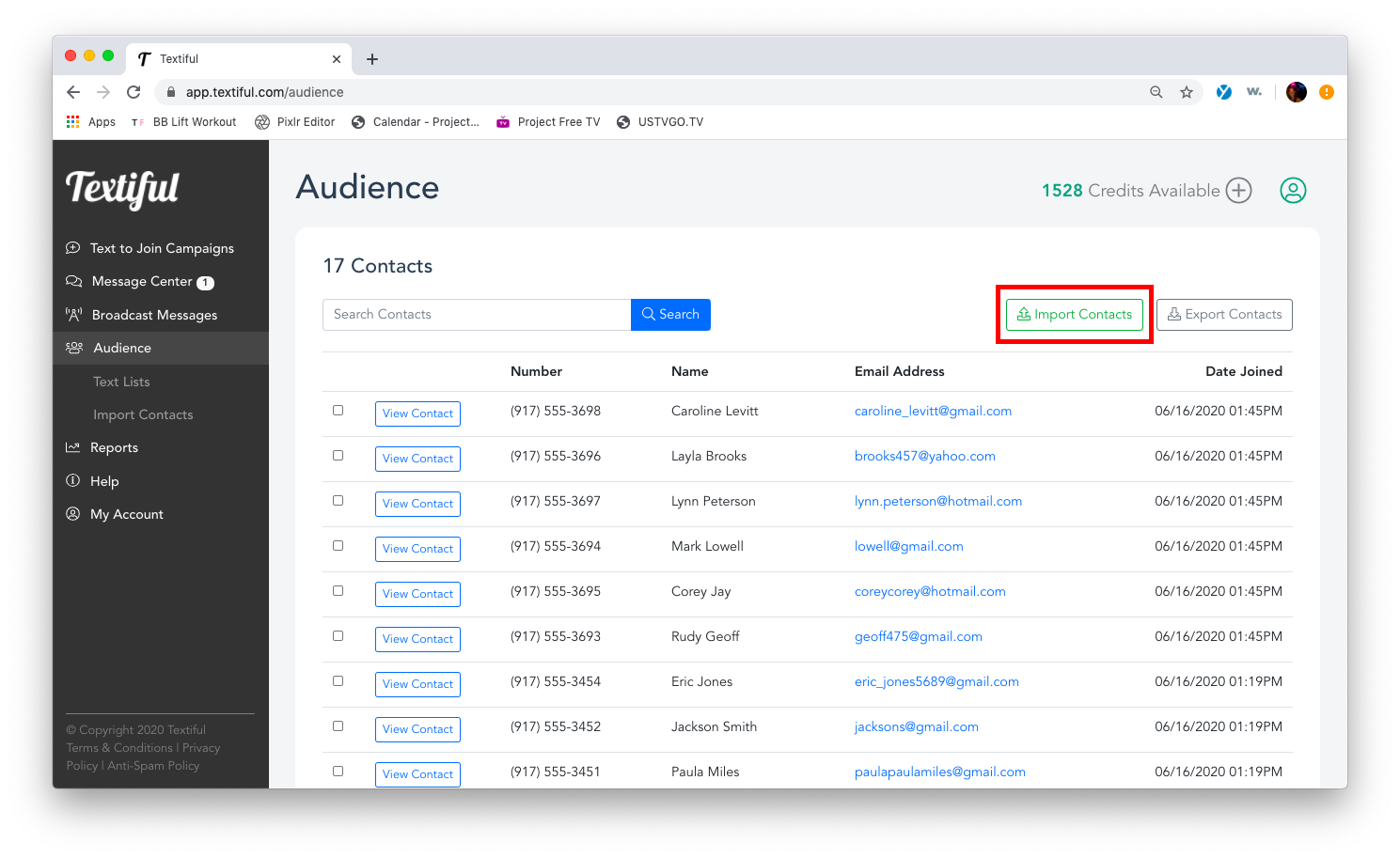
Click Audience in the left menu.
-
Click the Import Contacts button.
-
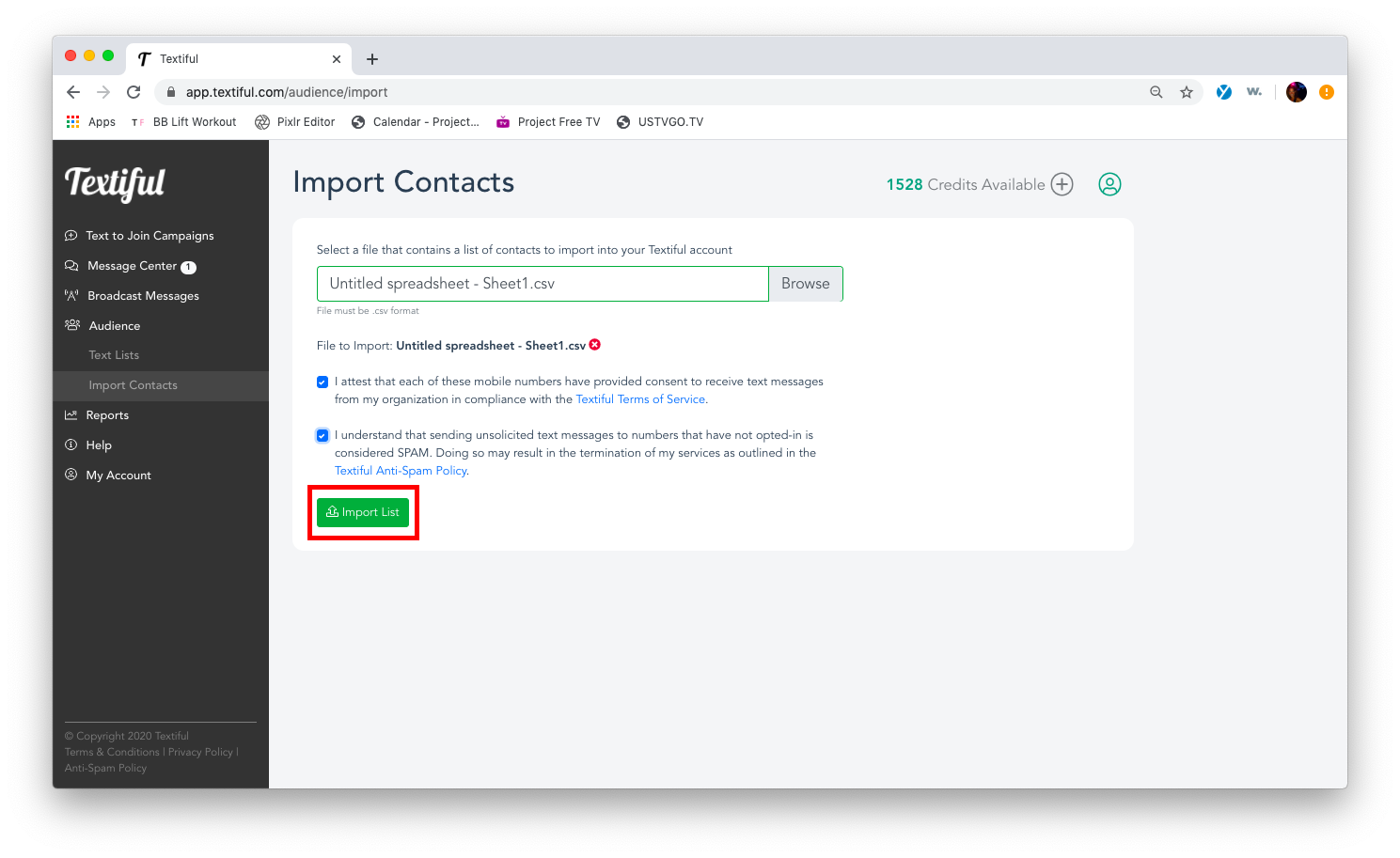
Click Browse to select the file with your contact list.
-
Check the boxes to confirm the following:
- I attest that each of these mobile numbers have provided consent to receive text messages from my organization in compliance with the Textiful Terms of Service.
- I understand that sending unsolicited text messages to numbers that have not opted-in is considered SPAM. Doing so may result in the termination of my services as outlined in the Textiful Anti-Spam Policy.
-
Click Import List.
-
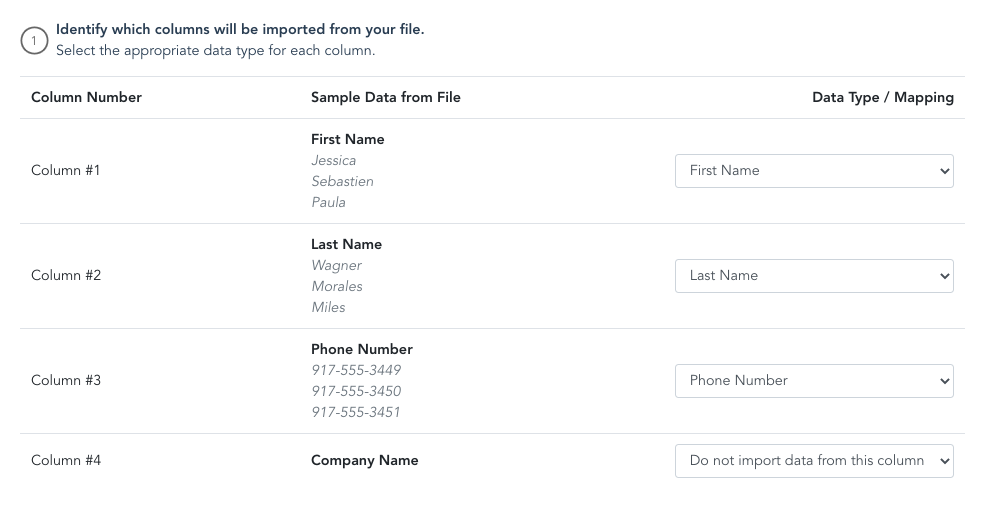
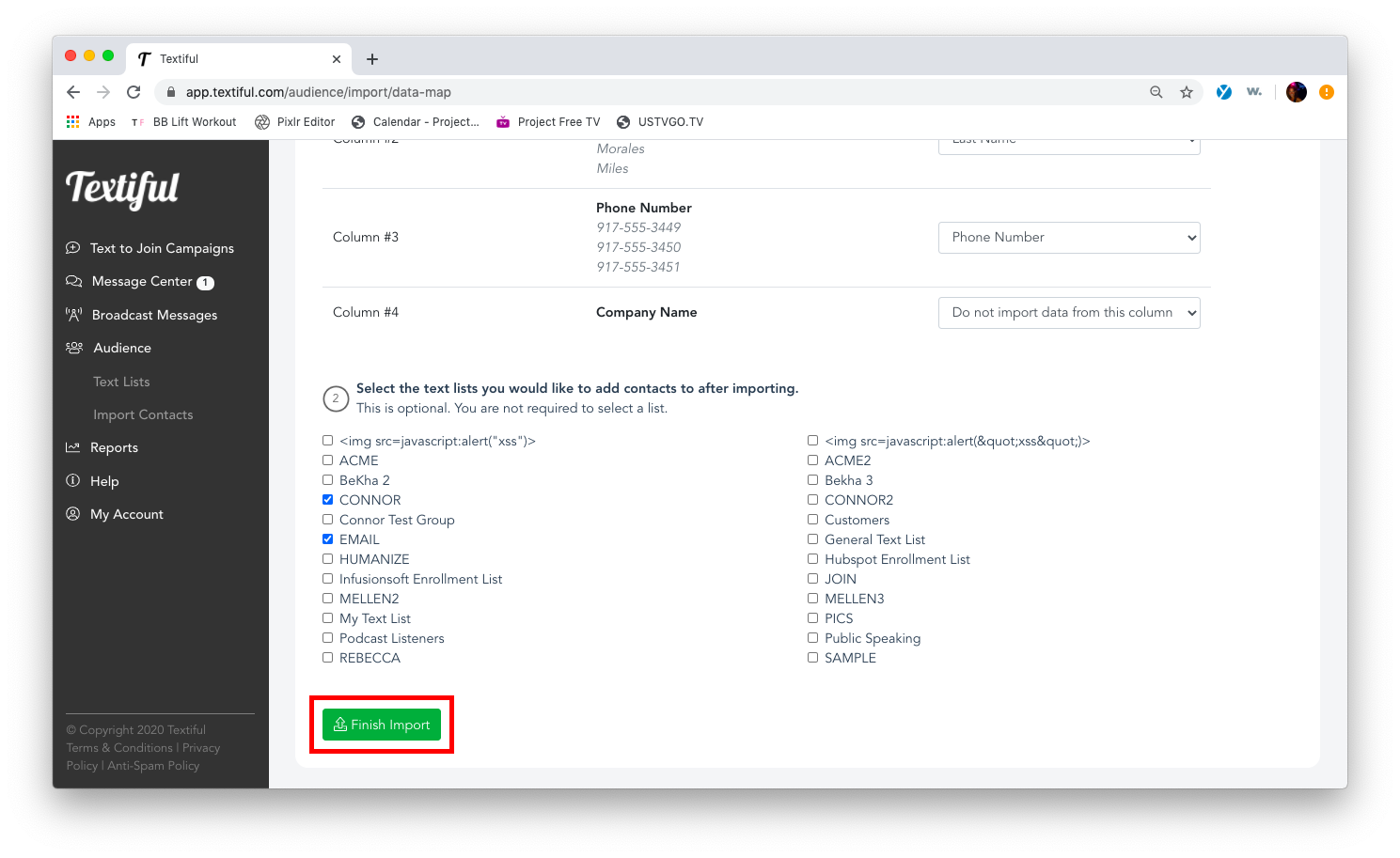
Choose which columns to import by selecting the right data type for each column.
-
(Optional) Select the text lists you want to add the contacts to after the import.
-
Click Finish Import at the bottom of the page.
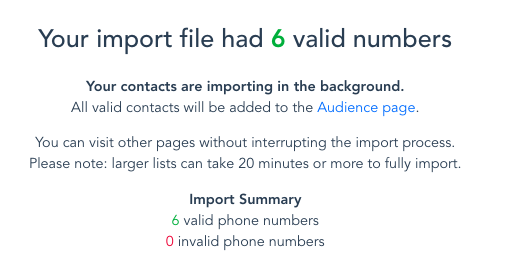
Once the import starts, a summary shows the number of valid numbers that were imported.