This article is for Classic Textiful accounts. On a current account, see the help center.
Viewing and managing text lists
Open a text list from Audience > Text Lists to see active and non-active members, edit its compliance message, or export it.
From a text list's page, you can see its active and non-active members, edit the compliance message, export the list of members, and more.
Open a text list
-
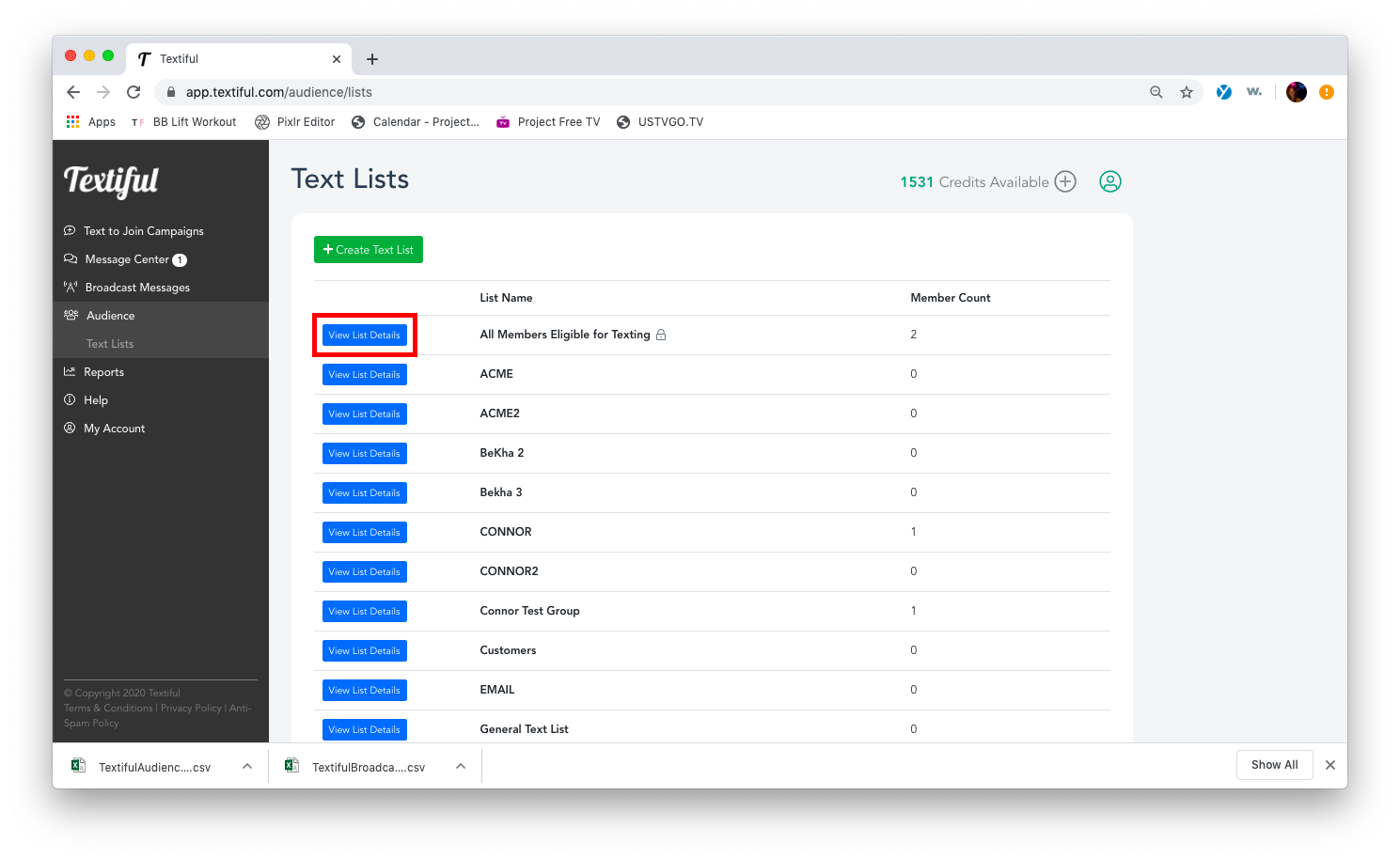
Click Audience in the left menu.
-
Click the Text Lists tab below Audience.
-
Click View List Details next to a list to see its members.
What you can do from the text list page
- View your active and non-active members
- Edit the compliance message
- Export the text list